- Meet the prerequisites:
- A virtual server running Linux (e.g. Ubuntu server with IP address
xxx.xxx.xxx.xxx) - A domain name (e.g.
yyy.com)
- A virtual server running Linux (e.g. Ubuntu server with IP address
- ssh to the virtual server, make sure that
hostis a sudo user.ssh host@xxx.xxx.xxx.xxx - Setup the firewall.
ufw allow OpenSSH ufw enable - Install Nextcloud and create a account (e.g. account
user1with passwordpassword123).sudo snap install nextcloud sudo nextcloud.manual-install user1 password123 - Setup the domain on the server.
sudo nextcloud.occ config:system:set trusted_domains 1 --value=yyy.com sudo ufw allow 80,443/tcp - Setup Let’s Encrypt for SSL/TLS certificates.
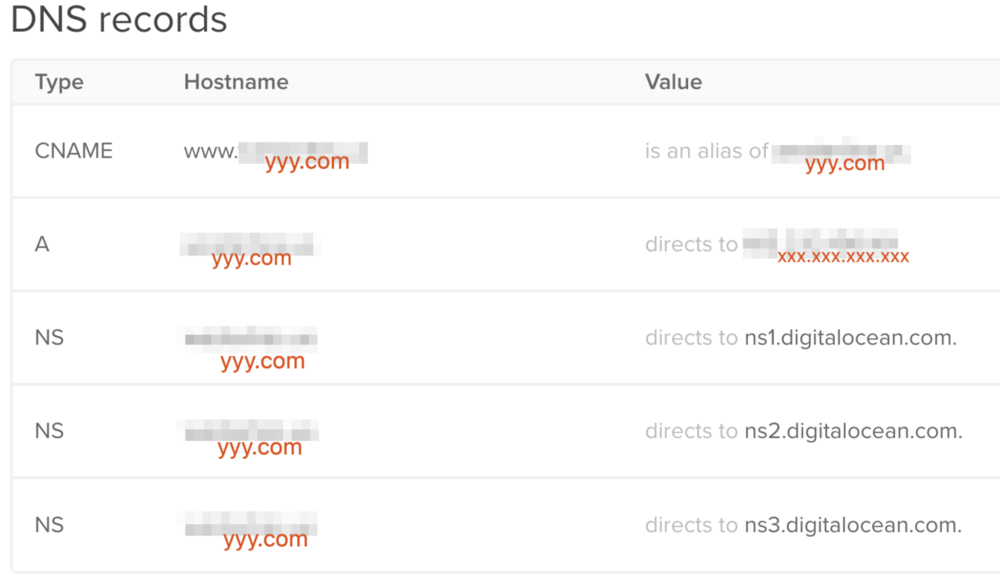
sudo nextcloud.enable-https lets-encrypt - Setup DNA records on the domain provider. Point the hostname to the IP address of virtual server. (e.g. figure below shows the setting for Digital Ocean)
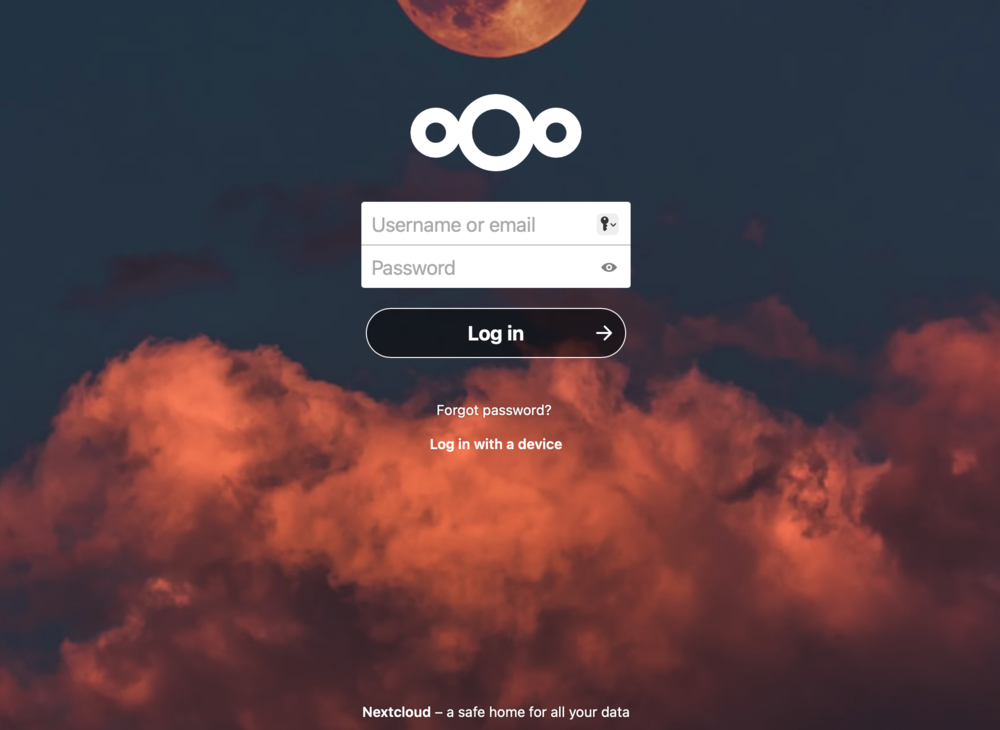
- Wait until the domain presents a Nextcloud login page. Login with
user1andpassword123.
Back to Memo